

Payments & FinTech · 11.15
Invoice-to-Payment Matching
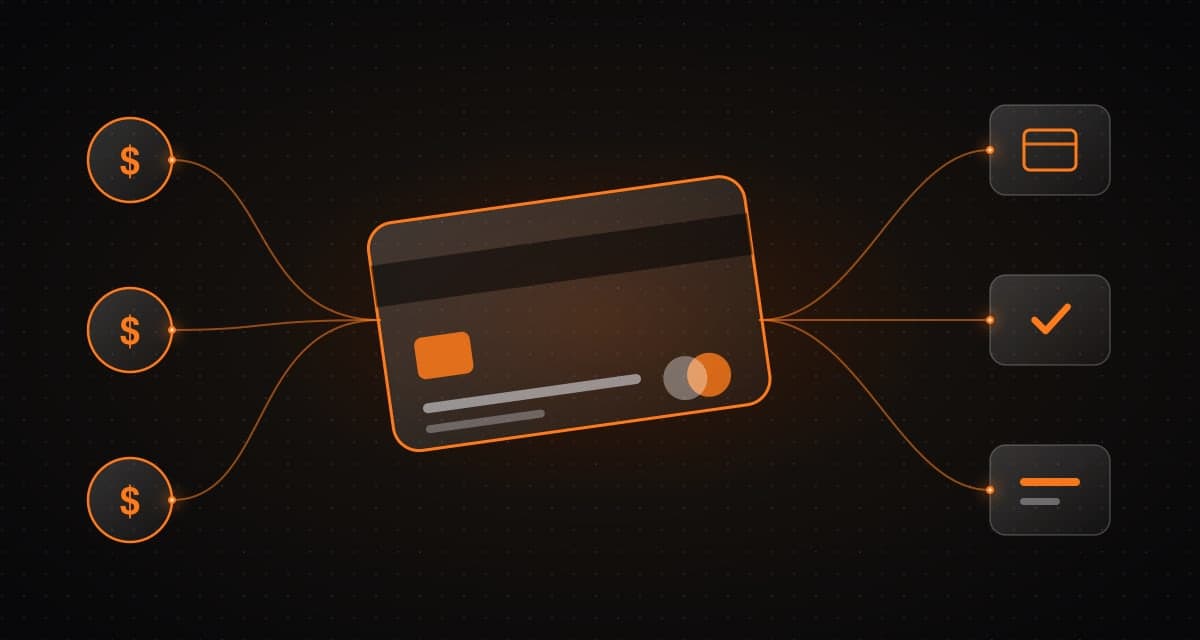
The system links invoices and orders to payment events using references, amounts, dates, and customer identifiers, routing ambiguous matches to review.
What it is and how it works
The system links invoices and orders to payment events using references, amounts, dates, and customer identifiers, routing ambiguous matches to review.
Who it is for
Teams chasing paid, unpaid and partially paid invoices manually.
What is typically included
- Linking invoices and orders to payment events
- References, amounts, dates and customer identifiers
- Review of ambiguous matches
- Visible discrepancies
Client benefit
Teams can identify paid, unpaid, partial, and mismatched invoices with less manual effort.
Keep in mind
Discrepancies should not be silently written off.
Typical deliverables
The final list depends on discovery and the scope we agree together.
- 01
Invoice-to-payment matching
- 02
Review queue
- 03
Status views for invoices
How we deliver
- Step 1
Discover
Map the workflow, data, risks and constraints before any design work starts.
- Step 2
Architect
Define the system, integrations and human-approval points as a reviewable design.
- Step 3
Build
Deliver a practical first slice, then extend it in small, tested increments.
- Step 4
Operate
Monitor, secure and continuously improve the system after launch.
Common questions
What about mismatches?
Discrepancies should not be silently written off.
How are ambiguous matches handled?
They are routed to review.
Related reference architectures
Next
Talk through your system with our engineers.
Share the problem and constraints. We will map relevant capabilities to your goals, existing systems and timeline, then define scope and measurable outcomes.