

Cloud & DevOps · 7.4
Docker & Containerization
We package applications and dependencies into reproducible container images with environment configuration, health checks, and deployment guidance.
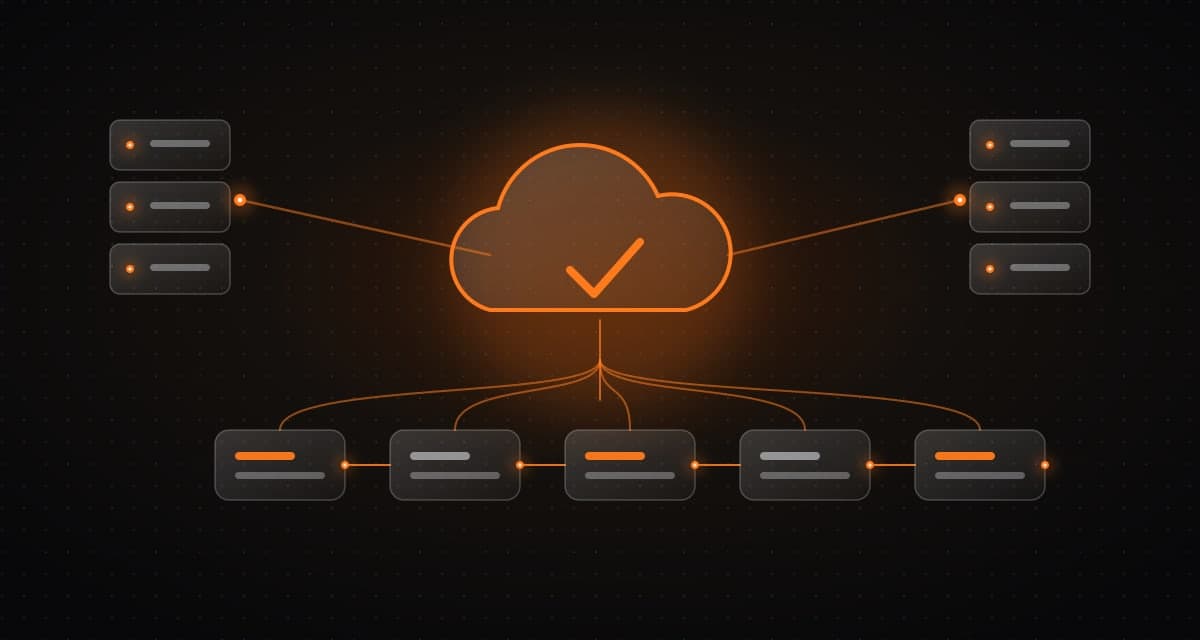
What it is and how it works
We package applications and dependencies into reproducible container images with environment configuration, health checks, and deployment guidance.
Who it is for
Teams with environment differences between development and production who want reproducible deployments.
What is typically included
- Packaging applications into container images
- Environment configuration and health checks
- Deployment guidance
- Image updates and resource limits
Client benefit
Containers reduce environment differences and simplify deployment.
Keep in mind
Secure image updates, resource limits, and orchestration still matter.
Typical deliverables
The final list depends on discovery and the scope we agree together.
- 01
Container images and configuration
- 02
Deployment guidance
- 03
Health-check set-up
How we deliver
- Step 1
Discover
Map the workflow, data, risks and constraints before any design work starts.
- Step 2
Architect
Define the system, integrations and human-approval points as a reviewable design.
- Step 3
Build
Deliver a practical first slice, then extend it in small, tested increments.
- Step 4
Operate
Monitor, secure and continuously improve the system after launch.
Common questions
Do containers remove operational work?
They reduce environment differences, but secure image updates, resource limits and orchestration still matter.
Do we need Kubernetes?
Not always. We choose the simplest option that meets your needs.
Next
Talk through your system with our engineers.
Share the problem and constraints. We will map relevant capabilities to your goals, existing systems and timeline, then define scope and measurable outcomes.