

Cloud & DevOps · 7.2
CI/CD Pipeline Implementation
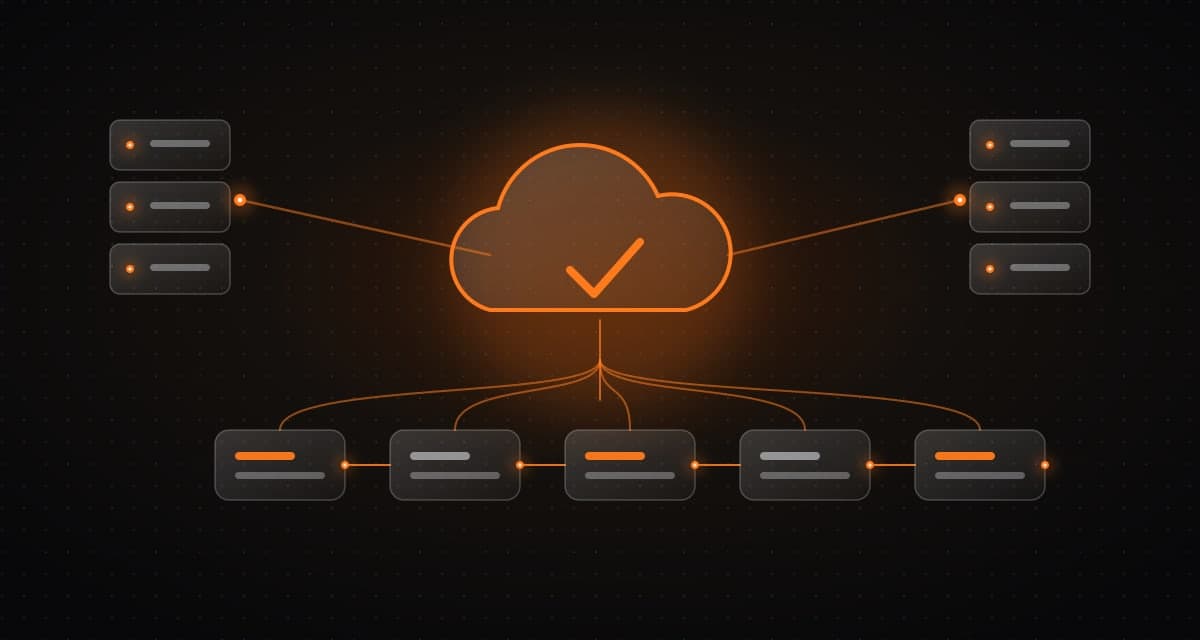
Pipelines automate tests, builds, security checks, artifact creation, approvals, and deployment with appropriate permissions and rollback practices.
What it is and how it works
Pipelines automate tests, builds, security checks, artifact creation, approvals, and deployment with appropriate permissions and rollback practices.
Who it is for
Teams releasing software manually who want consistent, repeatable deployments.
What is typically included
- Automated tests and builds
- Security checks and artifact creation
- Approvals and deployment with proper permissions
- Rollback practices
Client benefit
Releases become more consistent and less dependent on manual steps.
Keep in mind
Teams gain clearer quality checks and recovery options.
Typical deliverables
The final list depends on discovery and the scope we agree together.
- 01
CI/CD pipelines
- 02
Release and rollback runbook
- 03
Quality gates configuration
How we deliver
- Step 1
Discover
Map the workflow, data, risks and constraints before any design work starts.
- Step 2
Architect
Define the system, integrations and human-approval points as a reviewable design.
- Step 3
Build
Deliver a practical first slice, then extend it in small, tested increments.
- Step 4
Operate
Monitor, secure and continuously improve the system after launch.
Common questions
What does this improve?
Releases become more consistent and less dependent on manual steps, with clearer quality checks and recovery options.
Which tools do you use?
We adapt to your stack; common choices include GitHub Actions.
Next
Talk through your system with our engineers.
Share the problem and constraints. We will map relevant capabilities to your goals, existing systems and timeline, then define scope and measurable outcomes.